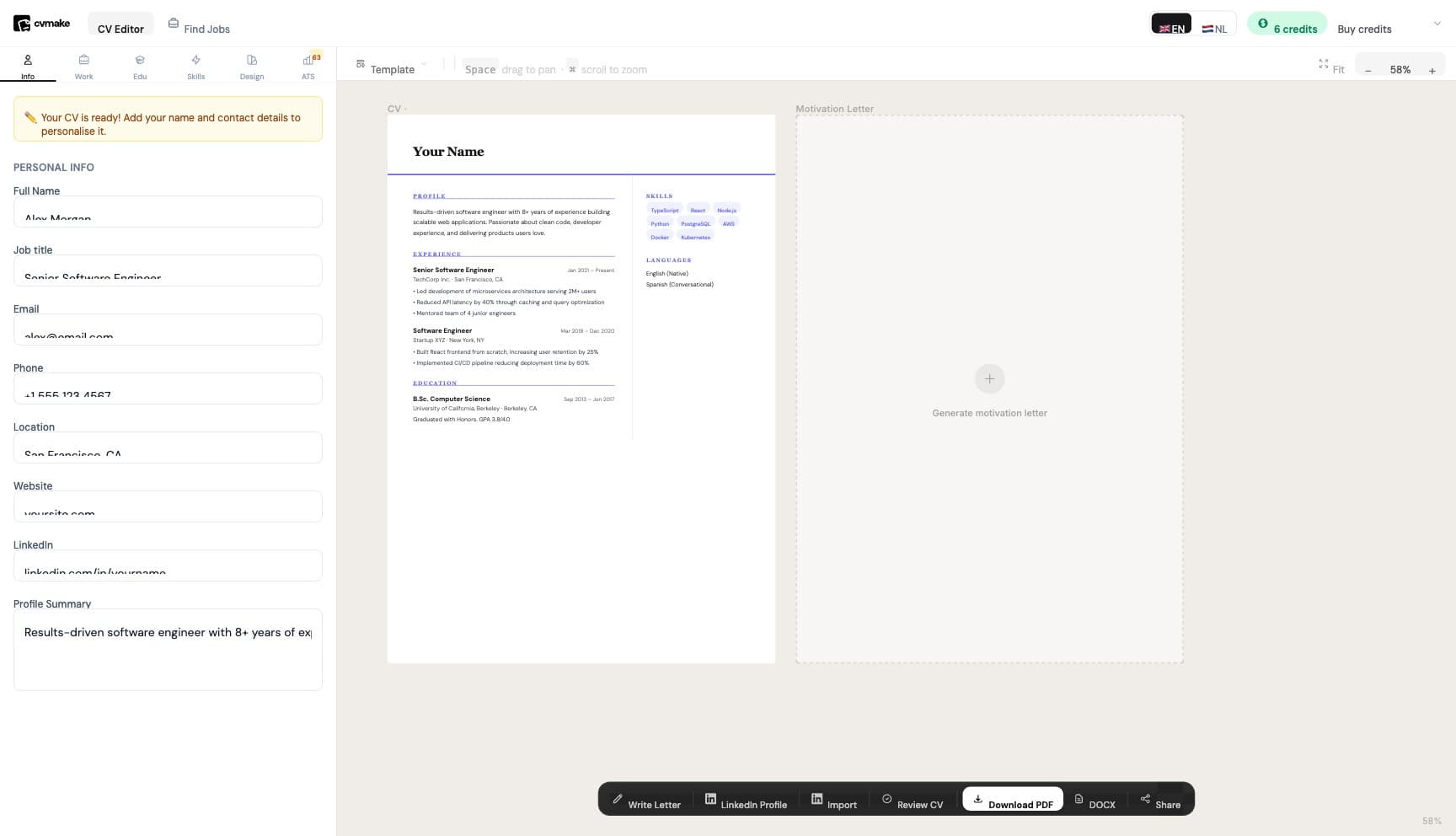
Writing a CV in 2026 is different from what it was five years ago. Applicant Tracking Systems (ATS) now filter out most applications before a human ever reads them. This guide walks you through every step.
What Is an ATS and Why Does It Matter?
An ATS (Applicant Tracking System) is software that companies use to automatically screen CVs. Studies show that 75% of CVs are rejected by ATS before a human sees them — usually because of poor formatting or missing keywords. The good news: passing ATS is not complicated once you know the rules.
Step 1: Choose the Right Format
Use a reverse-chronological format — your most recent experience first. This is what ATS systems expect. Avoid:
- Tables and columns (ATS cannot parse them)
- Headers and footers (often ignored)
- Images or graphics
- Fancy fonts Stick to a single-column layout with standard section headings.
Step 2: Write a Strong Personal Summary
Your summary sits at the top and is the first thing both ATS and hiring managers read. Keep it to 3–4 sentences. Include:
- Your job title and years of experience
- Your top 2–3 skills
- What you are looking for Example: "Experienced software engineer with 6 years building scalable web applications in React and Node.js. Passionate about clean code and product-focused development. Looking for a senior engineering role in a fast-moving product team."
Step 3: Match Keywords from the Job Description
This is the single most important ATS tip. Copy the job description and identify the key skills and phrases. Then use those exact words in your CV. If the job says "project management" — use "project management", not "managing projects". Tools like CVmake can automatically tailor your CV to a job description in one click, ensuring you never miss a keyword.
Step 4: Quantify Your Experience
Numbers get attention. Compare these two bullet points:
- Managed a sales team
- Managed a sales team of 8 people, increasing quarterly revenue by 34% The second one is 10x more compelling. Add numbers wherever possible — percentages, team sizes, budgets, timelines.
Step 5: Keep It to One or Two Pages
- Less than 5 years experience: one page
- 5+ years experience: two pages maximum If you are cutting content, remove old jobs (10+ years ago), irrelevant experience, and generic phrases like "hard worker" or "team player".
Step 6: Check Your ATS Score
Before sending your CV, run it through an ATS checker. CVmake offers a free ATS score that shows you exactly what to fix — missing keywords, formatting issues, and section gaps.
Key Takeaways
- Use a single-column, simple format
- Match keywords from the job description exactly
- Quantify every achievement you can
- Keep it concise — one or two pages
- Always check your ATS score before applying Ready to build a CV that actually gets through? Start free on CVmake — no credit card needed.